










 06-18-2026, 13:30

 Extreme User





Samsung Galaxy S26 series receives third One UI 9 beta update
Samsung released two Android 17-based One UI 9 beta updates for the Galaxy S26 series last month, and now, the Korean brand has released the third One UI 9 beta for the S26 lineup.
The third One UI 9 beta for the Galaxy S26, Galaxy S26+, and Galaxy S26 Ultra requires a download of around 1.7GB and is rolling out in select countries, including India, South Korea, Poland, and the UK.
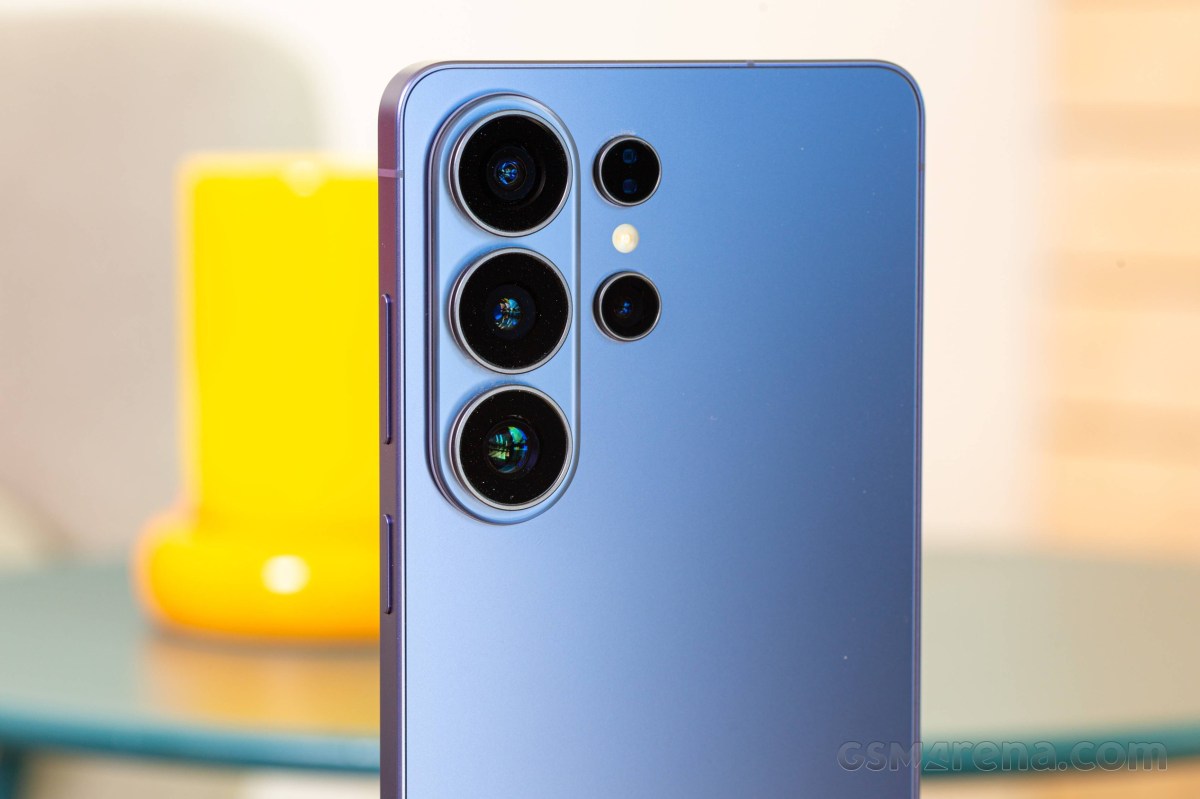
The third One UI 9 beta for the Galaxy S26, Galaxy S26+, and Galaxy S26 Ultra requires a download of around 1.7GB and is rolling out in select countries, including India, South Korea, Poland, and the UK.
The update rolling out in South Korea has firmware version S948NKSU3ZZF7, while the update for non-Korean markets has firmware version S94xBXXU3ZZF7.
Here's the changelog of the One UI 9 Beta 3 update for the Galaxy S26 series:
If you are enrolled in the One UI 9 beta program and haven't received the third One UI 9 beta on your Galaxy S26 series smartphone yet, you can check for the update manually by heading to your phone's Settings > Software update menu.
- Improved errors related to the privacy display when setting routines or toggling the Quick Panel ON/OFF.
- Fixed an issue where part of the camera preview screen was cropped under certain conditions.
- Fixed an issue where widget information, such as weather and battery on the lock screen, was not updating correctly.
- Improved focus accuracy when using 30x camera zoom.
- Fixed an issue where the home screen would not swipe left or right when using the pen.
- Fixed an issue in the My Files app where the file list could not be scrolled to the end.
- Fixed an issue where the background screen would intermittently turn white when receiving a call.
- Fixed an issue where the device would reboot once during video streaming.
- Fixed an issue where the background would appear black when pulling down the status bar.
If you are enrolled in the One UI 9 beta program and haven't received the third One UI 9 beta on your Galaxy S26 series smartphone yet, you can check for the update manually by heading to your phone's Settings > Software update menu.

 Return to Top